Unwane brand assets
Less to remember. Easier to keep up.
The Keystone mark brings together a supporting arch and a copper insert: a small act of upkeep that helps the whole hold together.
 Unwane
One mark. Always on white.
Use the full square artwork with its white background, including on dark surfaces. Keep the colours, proportions and spacing intact. Don’t stretch, recolour, rotate or add effects to the mark.
Logo colours
The mark uses forest and copper on pure white. These colours describe the logo; the app has its own accessible interface palette.
- Forest
#1B382B - Copper
#B96A42 - White
#FFFFFF
Files for each use
- App icon
- Use the square PNG for app listings and profile images. Let the platform apply its own corner shape.
- PNG · 512 × 512
- Android maskable icon
- Extra white space protects the mark when Android crops it into different launcher shapes.
- PNG · 512 × 512
- Feature graphic
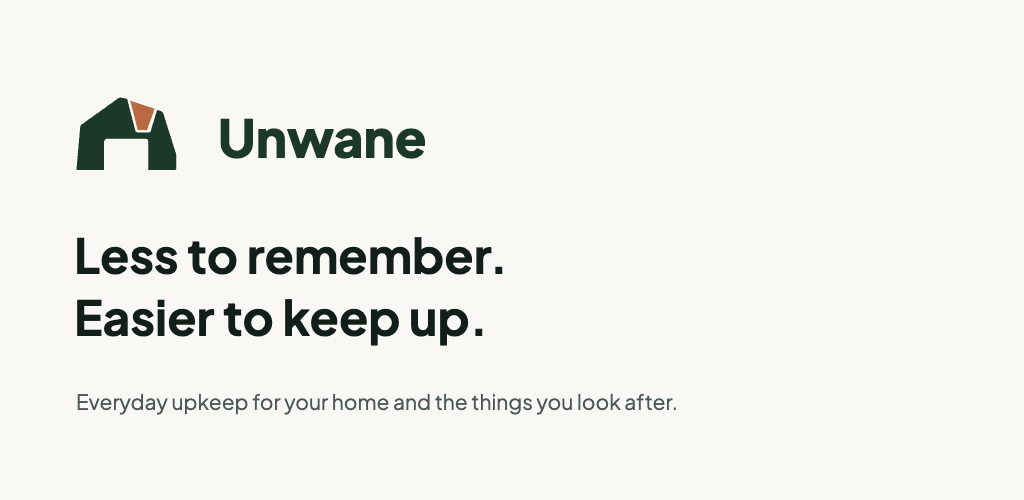
- Current Unwane artwork for the store listing and link previews. The graphic uses the Keystone mark and current tagline; it does not depict an app screen.
- PNG · 1024 × 500SVG source
- Splash artwork
- Portrait artwork for presentations and promotional use. Installed PWA launch screens are generated by the platform.
- PNG · 1080 × 1920SVG source
- Notification badge
- A white silhouette on transparency for Android notification masking. This is the only background-free variant and is not the app logo.
- SVG badge

Name and type
Write the name as Unwane, with a capital U. The interface and the wordmark shown here use Plus Jakarta Sans. Use the supplied PNG artwork when exact appearance matters across applications.